
Admin Dashboard
Run the website and the platform behind it.
Webteic Admin brings website settings, users, organisations, modules, themes, files, analytics, commerce and operational tools into one management experience.
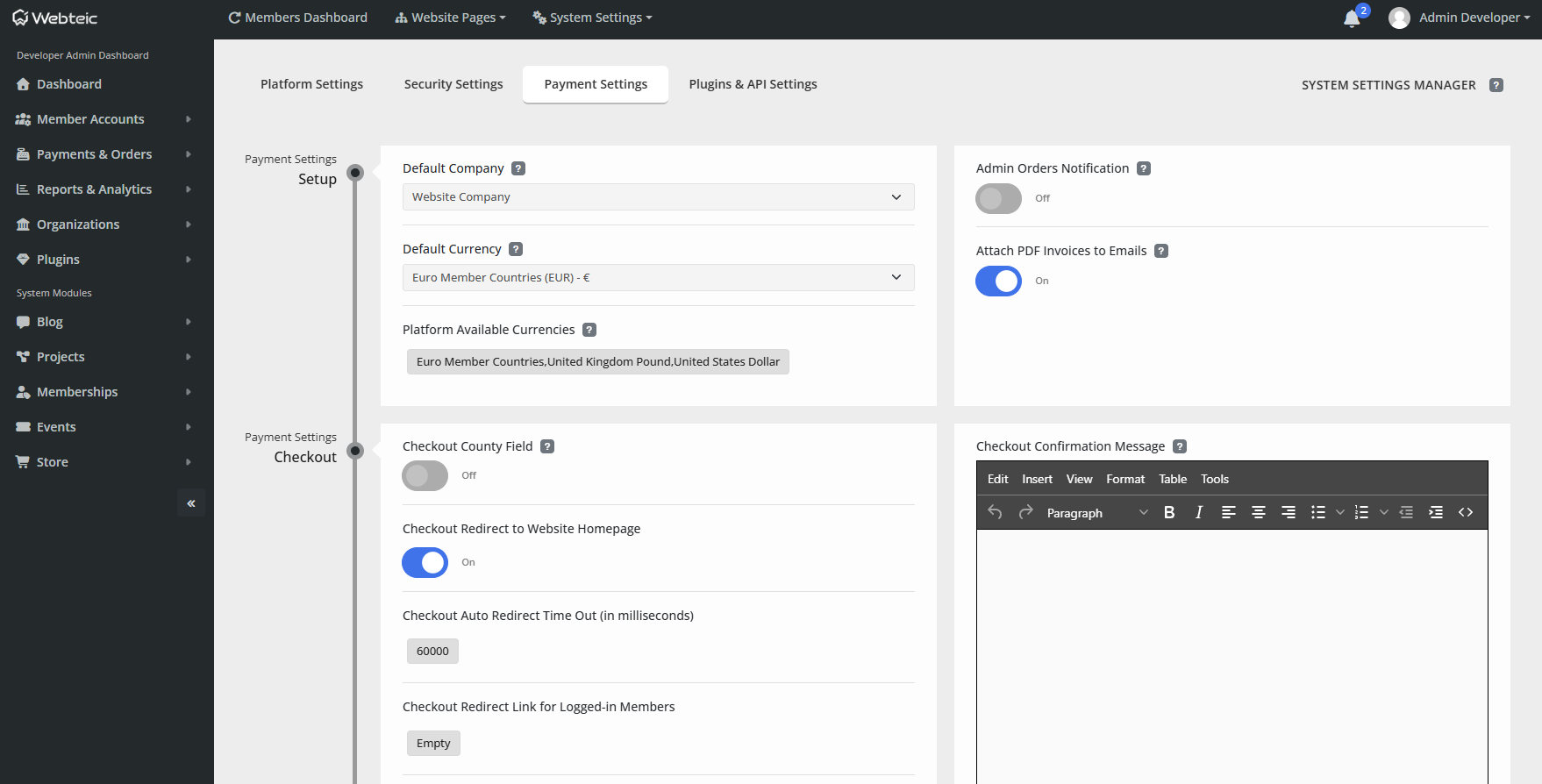
Control centre
Manage more without jumping between disconnected tools.
The exact menu changes with the modules installed, keeping Admin aligned with what the project actually uses.
WebsiteSettings, pages, themes, files and presentation.
PeopleUsers, roles, permissions, bans and account policy.
OrganisationsCompanies, teams, Groups and ownership workflows.
ModulesInstall and manage only the capabilities the website needs.
CommerceOrders, payments and module commercial activity.
AnalyticsTraffic, devices, visitors and module-level statistics.
OperationsAlerts, logs, maintenance mode and administrative controls.
BackupsDatabase/file backups and restoration tools.
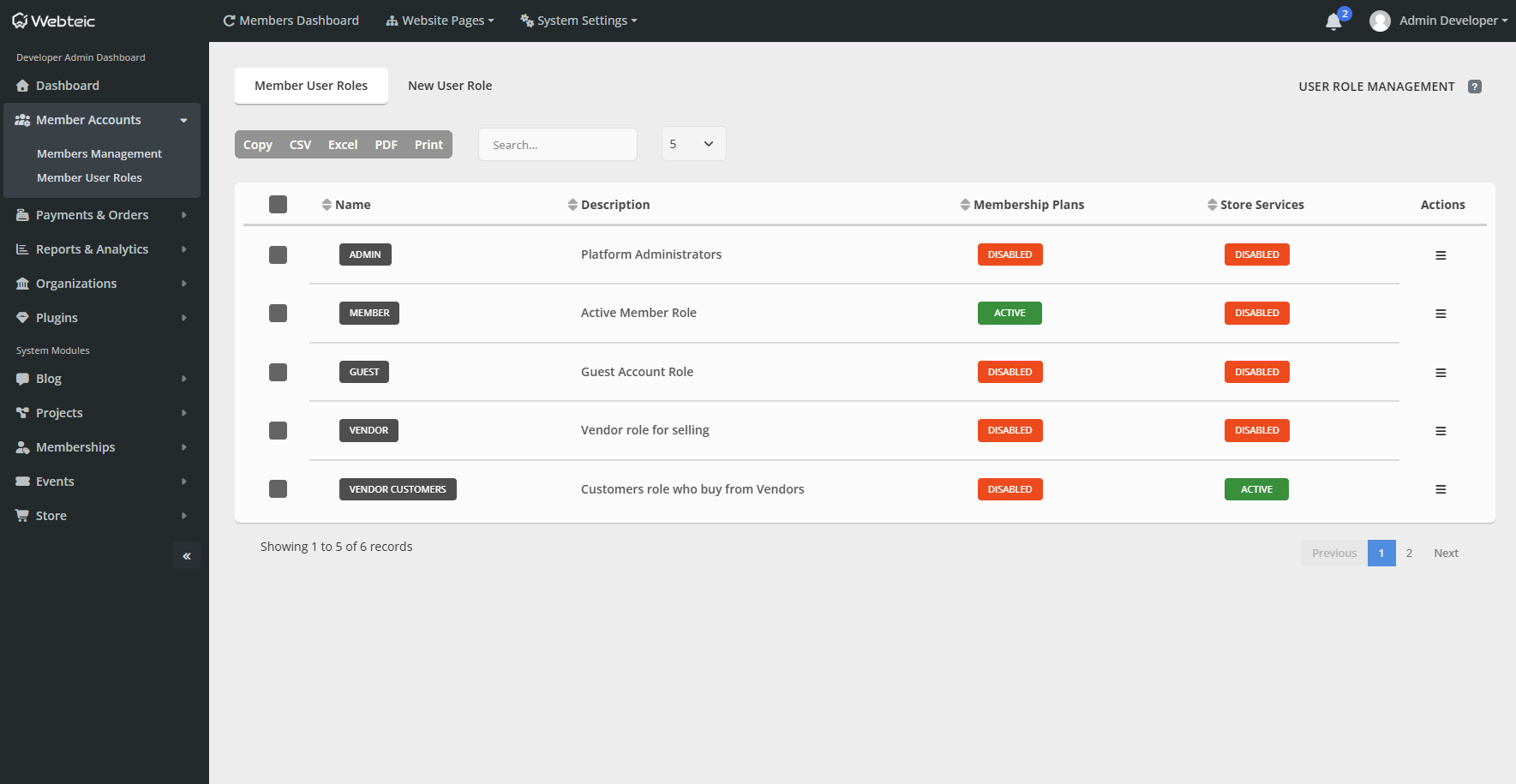
Roles & permissions
Control who can see and who can manage.
Roles are used across Webteic for administration, private content, purchasing rules and access granted through memberships or services.
AdministrationSeparate browsing/view permissions from management/create permissions.
Private experiencesUse roles to control access to supported private module categories and content.
Commercial accessRoles can participate in purchase restrictions or be granted through qualifying products and memberships.
Operational tools
The less glamorous jobs matter too.
Webteic includes the controls needed to look after a live installation, not just create content for it.
Backups & RestoreManage database and file backup workflows.
Maintenance ModeTake the public site offline when operational work requires it.
Logs & AlertsKeep administrative visibility around the installation.
User ImportBulk import users from CSV/XLS/XLSX with mapping and roles.
ImpersonationAdministrators can inspect the member-side experience when support requires it.
ConfigurationManage email, currencies, registration policy and other platform settings.
Analytics
See how the site and its modules are being used.
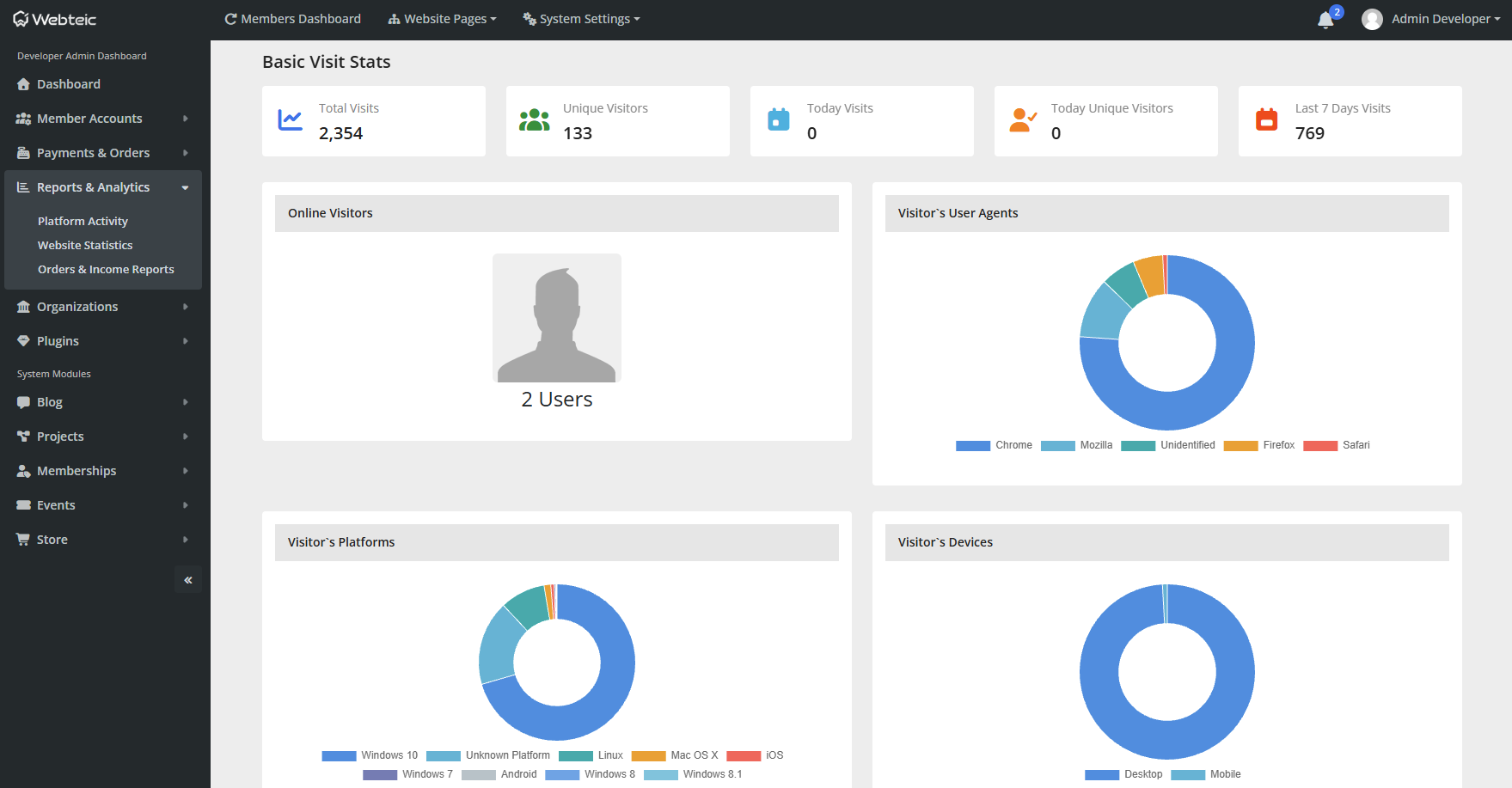
Admin includes site traffic information alongside module statistics and commercial reporting where those modules are installed.
Webteic Admin